I’m excited to introduce a feature that many of you have been asking for: Note Tags. Available now in SnipNotes 6.2, tags offer a new, flexible way to organize your notes alongside the categories you already know and use.
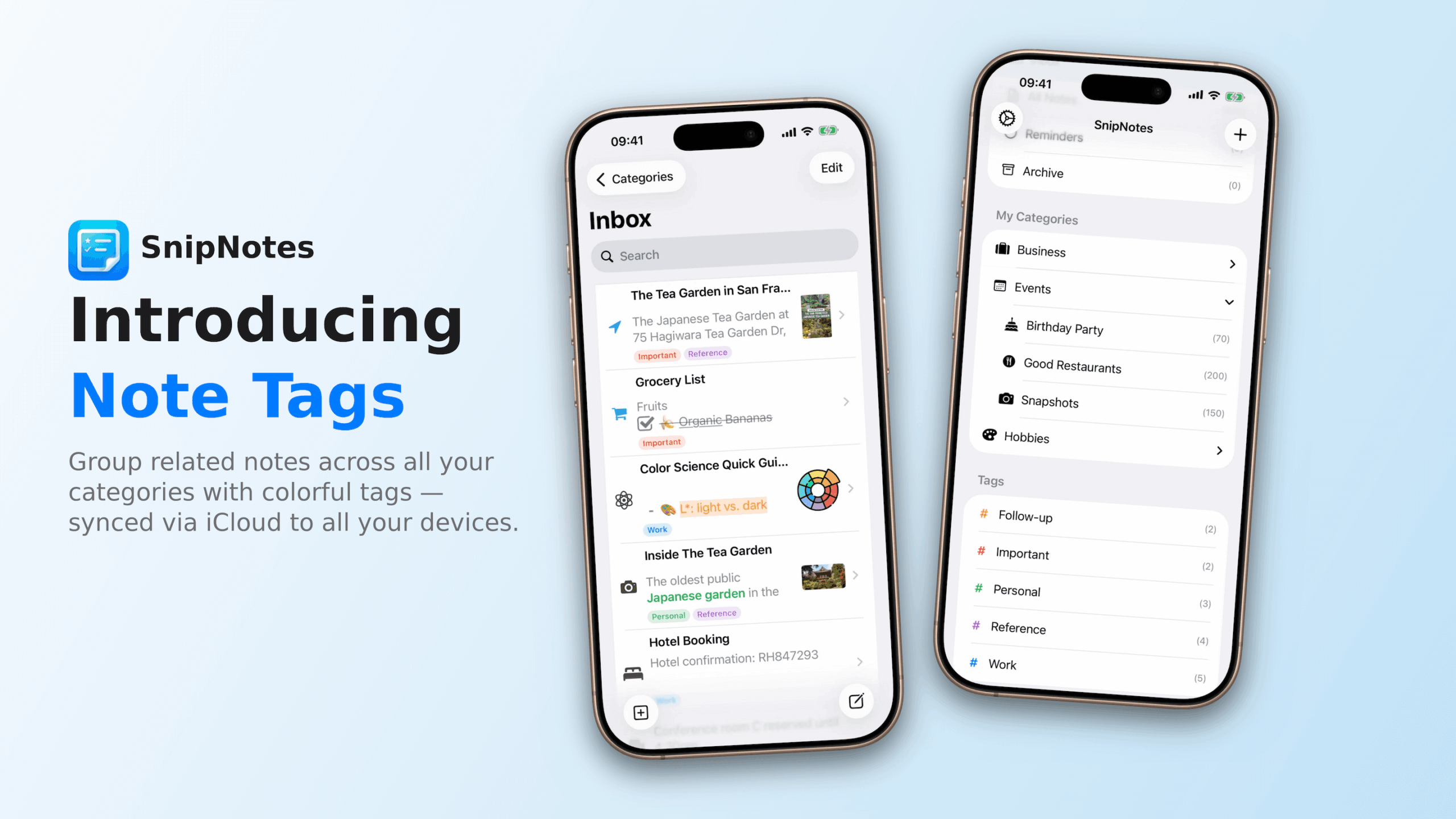
Categories and Tags: Better Together
In SnipNotes, categories work like folders—each note lives in exactly one place. This is great for clear organization, but sometimes a note belongs to multiple contexts. That’s where tags come in.
Tags are labels you can freely apply to any note, and a single note can have as many tags as you need. Think of it this way: a note can only be in one folder, but it can be about many things.
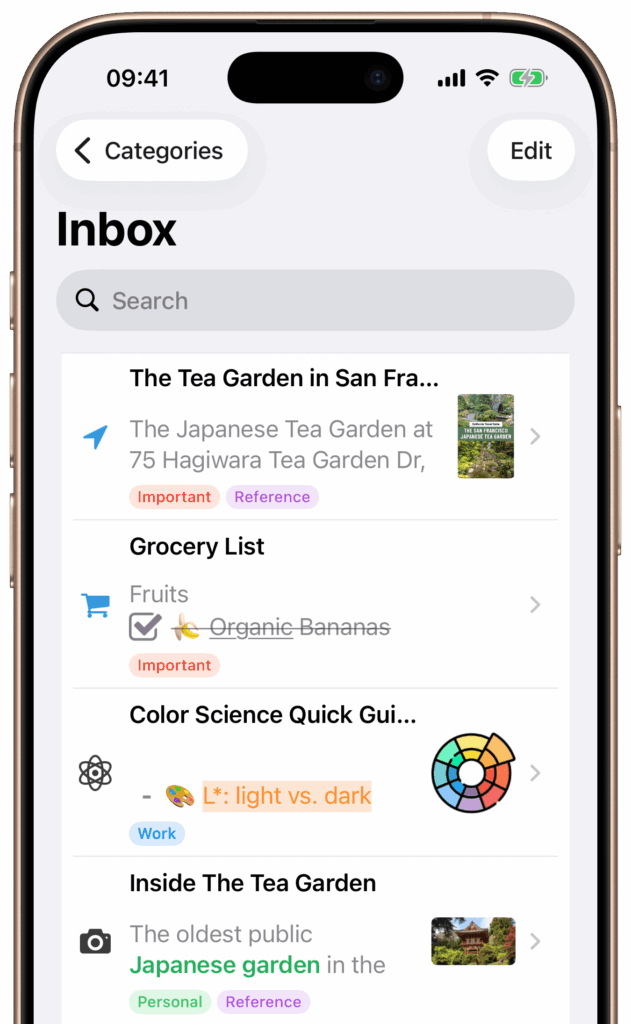
Here are a few examples of how tags and categories can work together:
- A recipe in your “Cooking” category can be tagged with “vegetarian”, “quick-meals”, and “favorites”
- A meeting note in “Work” can be tagged with “ProjectX”, “urgent”, and “follow-up”
- A packing list in “Travel” can be tagged with “summer” and “europe” for easy reference on future trips
How It Works
Creating and using tags is simple. Tap the tag icon when viewing a note to open the tag management sheet. From there, you can create new tags, assign existing ones, or remove tags you no longer need.
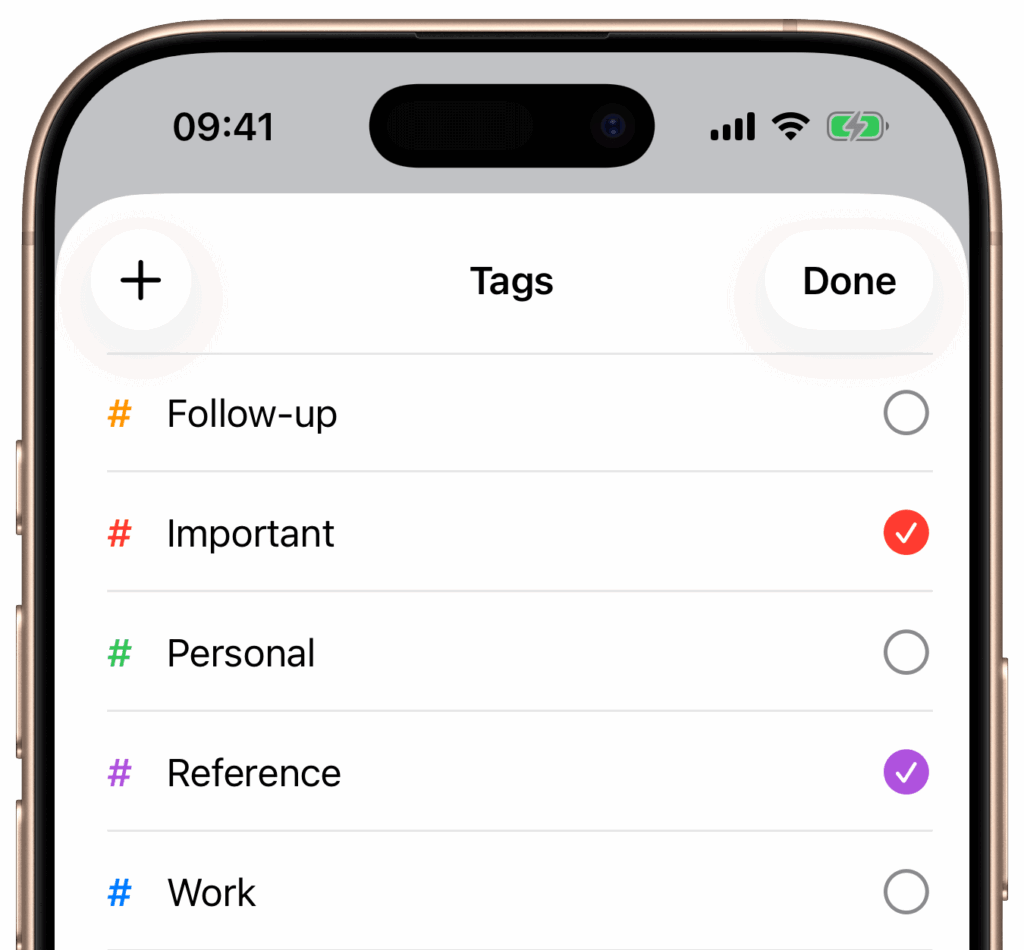
Each tag can be customized with one of 12 colors, making it easy to visually distinguish between different types of labels. Tags appear as colored chips in your note list, so you can spot relevant notes at a glance.
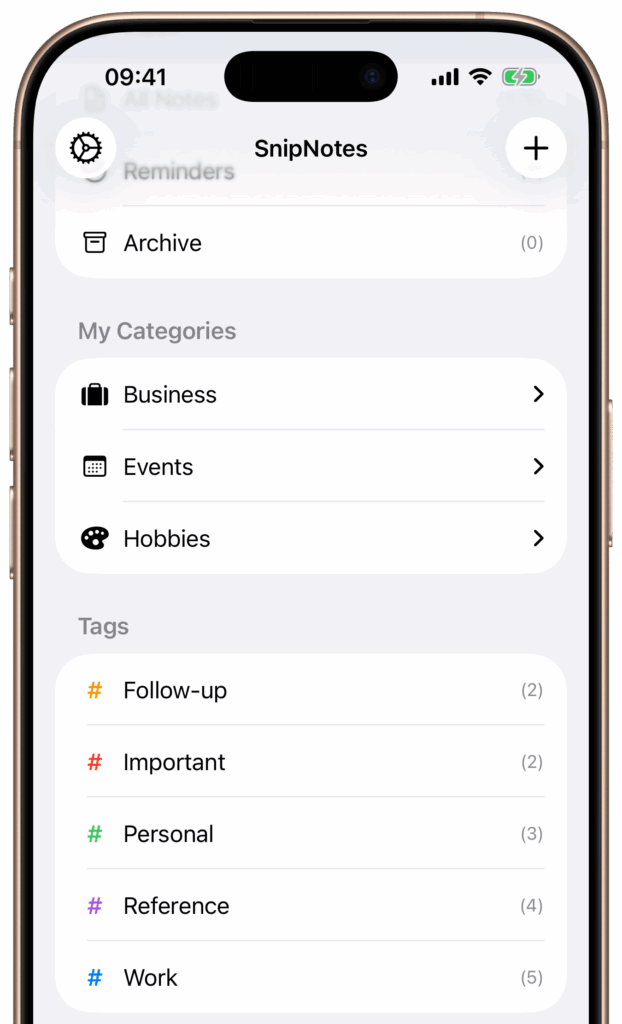
You can also browse all notes with a specific tag by selecting it in the sidebar—just like you would with a category. Tags appear in their own section below your categories, making them easy to access.
Available Everywhere
Tags sync seamlessly across all your devices. Whether you’re on iPhone, iPad, Mac, or Apple Watch, your tags and tag assignments stay up to date.
Pricing
Note Tags are available as a one-time upgrade for $4.99. If you purchased SnipNotes Plus after October 1, 2025, you already have access—no additional purchase required.
Thank you for your continued support of SnipNotes. I hope tags help you organize your notes in new and useful ways. If you enjoy using SnipNotes, I’d really appreciate a rating or review on the App Store — it helps more people discover the app.
If you have any questions or feedback about tags, feel free to reach out via email or on X/Twitter.