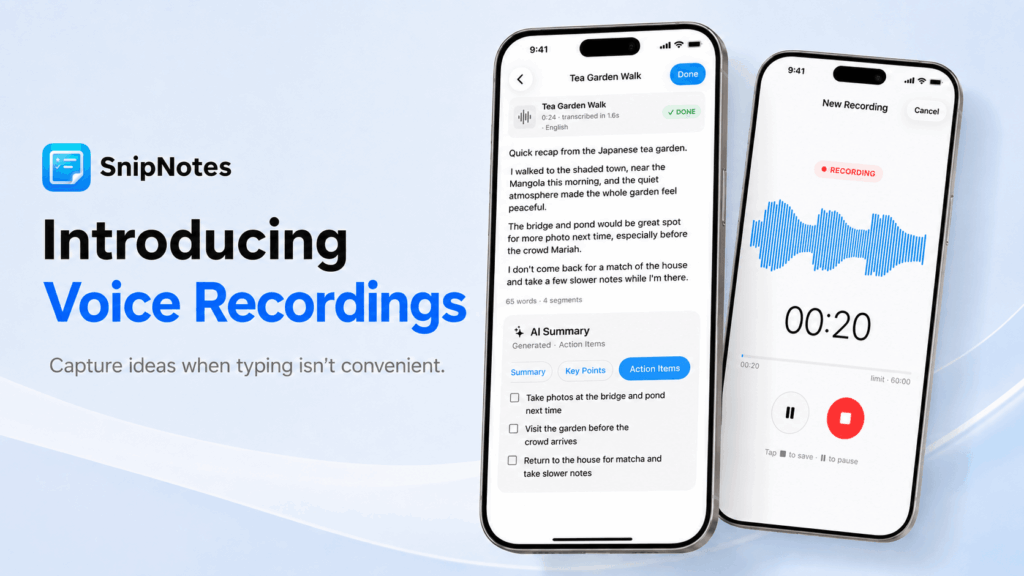
Available now in SnipNotes 6.4, Voice Recordings give you a new way to capture ideas when typing isn’t convenient.
Whether you’re out for a walk, recording a quick meeting note, or saving a personal memo, you can now keep the original audio in your note and turn it into something useful later. Play it back, transcribe it, summarize it, or add the generated text back into the same note.
When Typing Isn’t Convenient
Some thoughts are easier to speak than to type.
Voice Recordings are designed for those moments: when you want to quickly capture an idea while walking, keep a short record of a meeting or lecture, or save a personal memo without interrupting what you’re doing.
Instead of only turning speech into text right away, SnipNotes can now keep the original audio as part of your note — so you can return to it later, listen again, and decide what to do with it next.
How It Works
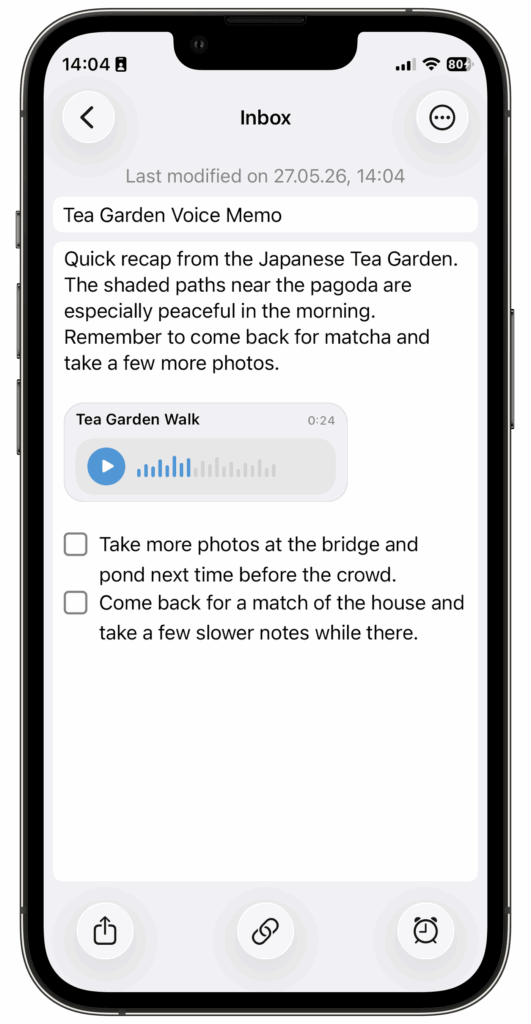
You can create a voice recording directly in SnipNotes and save it as part of a note. To create a new voice recording, tap the plus button in the note list or the three dots above your keyboard. Recordings are stored as real audio attachments, so they stay connected to your content rather than living in a separate app or workflow.
After saving a recording, you can:
- play it back later
- give it a custom title
- share the audio file
- transcribe it on supported devices
- generate summaries from the transcript
- insert the transcript or summary back into your note
Turn Recordings Into Useful Notes
Recording audio is only one part of the feature.
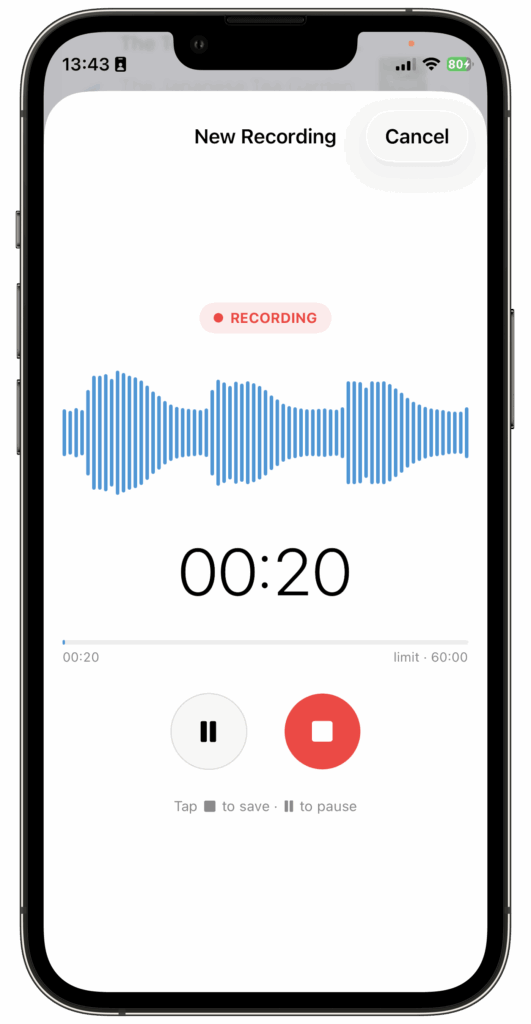
On supported devices, SnipNotes can transcribe your recording and help you turn it into useful text. You can review the transcript, copy it, share it, or add it back into the note. SnipNotes can also generate summaries, including formats like key points or action items, so your recordings become easier to scan and reuse later.
This makes Voice Recordings especially useful for quick idea capture, personal reflections, meeting notes, and other situations where audio comes first and structure comes later.
Voice Recordings and Dictation
SnipNotes still supports classic dictation for quickly turning speech into text.
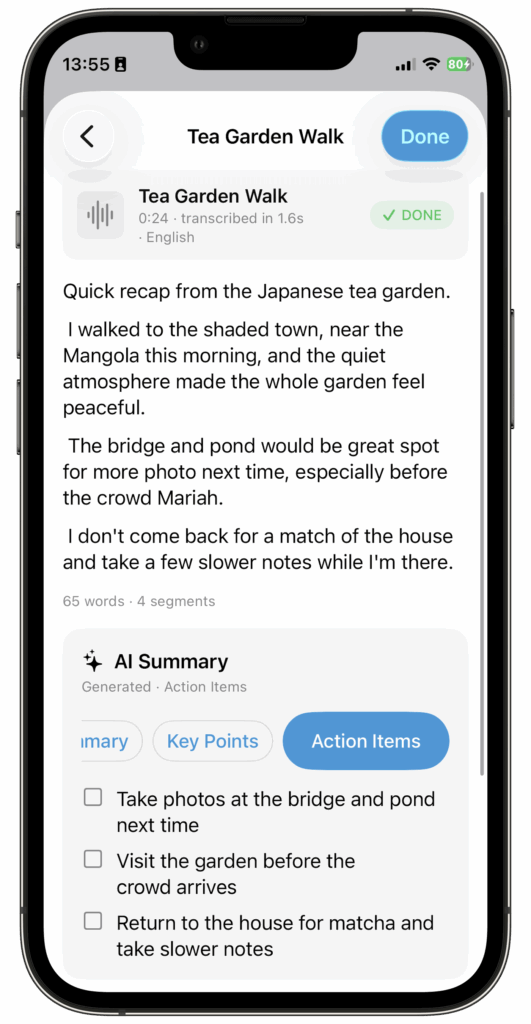
Voice Recordings are the more flexible option and the new default for this kind of workflow. They preserve the original audio, let you play it back later, and, on supported systems, allow you to generate transcripts and summaries when you need them. That means users on older OS versions — or users who prefer a simpler workflow — can still continue using dictation, while Voice Recordings offer a more complete experience.
Availability and Privacy
Voice Recordings are available on iPhone and iPad. At the time of publishing, the Mac version is still awaiting Apple’s approval and should be available shortly on the Mac App Store.
Transcription is available on iOS 26, iPadOS 26, and macOS 26 or later. Summaries can use your device’s AI model if available (iPhone 15 Pro or later). For older devices and longer transcripts, a cloud-based summary option is also available. SnipNotes will always ask for your permission before sending any information to a cloud provider.
Your recordings are saved alongside your notes and – if enabled – synced through your personal iCloud account, just like all other SnipNotes content. SnipNotes keeps your notes private, makes them available across all your Apple devices, and ensures they integrate seamlessly into your workflow.
Pricing
Voice Recordings are available as a one-time upgrade for $4.99.
If you purchased SnipNotes Plus on or after March 1, 2026, Voice Recordings are already included. Existing SnipNotes Plus subscribers also get automatic access to this feature — as well as upcoming features included with the subscription.
Thank you for supporting SnipNotes. I hope Voice Recordings help you capture more of your thoughts — especially in those moments when typing would get in the way. If you try the feature, I’d love to hear what you think. And if you enjoy using SnipNotes, a rating or review on the App Store always helps a lot.