SnipNotes 3 is now available! ?
After six months of development and a long beta phase with over 200 testers, I’m happy to introduce SnipNotes 3 to all users on the App Store!
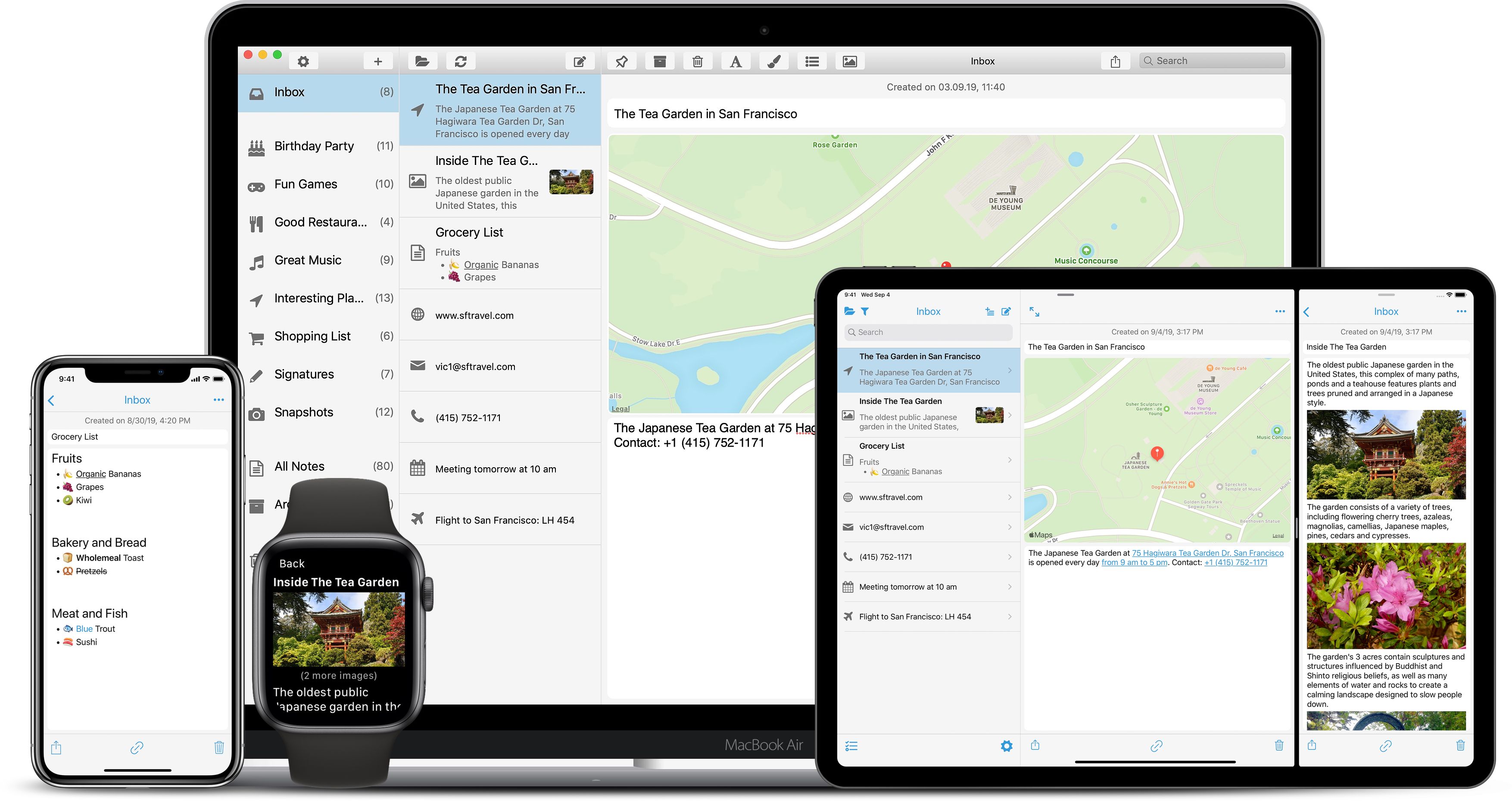
After six months of development and a long beta phase with over 200 testers, I’m happy to introduce SnipNotes 3 to all users on the App Store!
“TipNotes” is a new series on this blog with useful tips & tricks on how to get the most out of SnipNotes.
The sharing functionality of iOS is a great way to share text, images, locations and more from your current context with another app on your device. SnipNotes integrates with the sharing system and lets you quickly create new notes from within other apps. Let’s walk through the steps and look at some interesting use cases.
…“TipNotes” is a new series on this blog with useful tips & tricks on how to get the most out of SnipNotes.
SnipNotes is a powerful tool for capturing thoughts and ideas. As your notebook grows, search becomes more and more important. Let’s take a closer look at your options for quickly finding notes:
…Today I’ve released two new SnipNotes updates for iOS and macOS. These updates contain a lot of bug fixes as well as performance improvements and will most likely be the last updates before the big SnipNotes 3.0 release.
The iOS version has also gained a few new features and improvements, which I want to share with you in this post.
…SnipNotes 2.9.9 for iOS and SnipNotes 1.5.9 for macOSRead More »
“Sneak Peek” is a new series on this blog where I give you a quick glimpse into upcoming features and other interesting stuff in and around SnipNotes.
The next major SnipNotes update will allow you to insert images into your text notes. Let’s take a closer look today on how to do this.
…“TipNotes” is a new series on this blog with useful tips & tricks on how to get the most out of SnipNotes.
SnipNotes shows a little icon next to each note based on its contents. If an icon is not suitable for your note or you’re getting bored of all the same document icons, you can change it as follows:
…“TipNotes” is a new series on this blog with useful tips & tricks on how to get the most out of SnipNotes.
SnipNotes allows you to create external links for your notes. You can use these links to quickly return to a specific note from another app.
…“Sneak Peek” is a new series on this blog where I give you a quick glimpse into upcoming features and other interesting stuff in and around SnipNotes.
Today’s Sneak Peek is about your notes list. In the next major update, SnipNotes will show you more details on your notes:
…
“TipNotes” is a new series on this blog with useful tips & tricks on how to get the most out of SnipNotes.
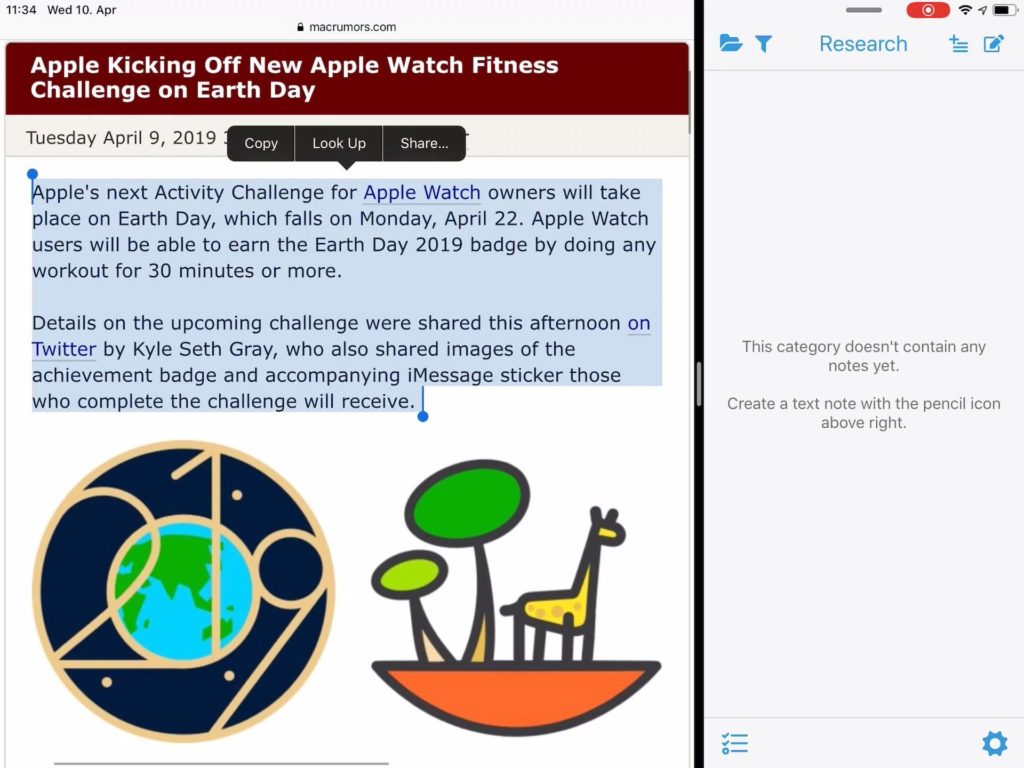
SnipNotes on iPad can become a powerful research companion with the following settings:
…“Sneak Peek” is a new series on this blog where I give you a quick glimpse into upcoming features and other interesting stuff in and around SnipNotes.
Work on the next major SnipNotes update is well underway. Today I want to share with you a few early screenshots of a big new feature in this update: The ability to create notes with text and multiple images. ?
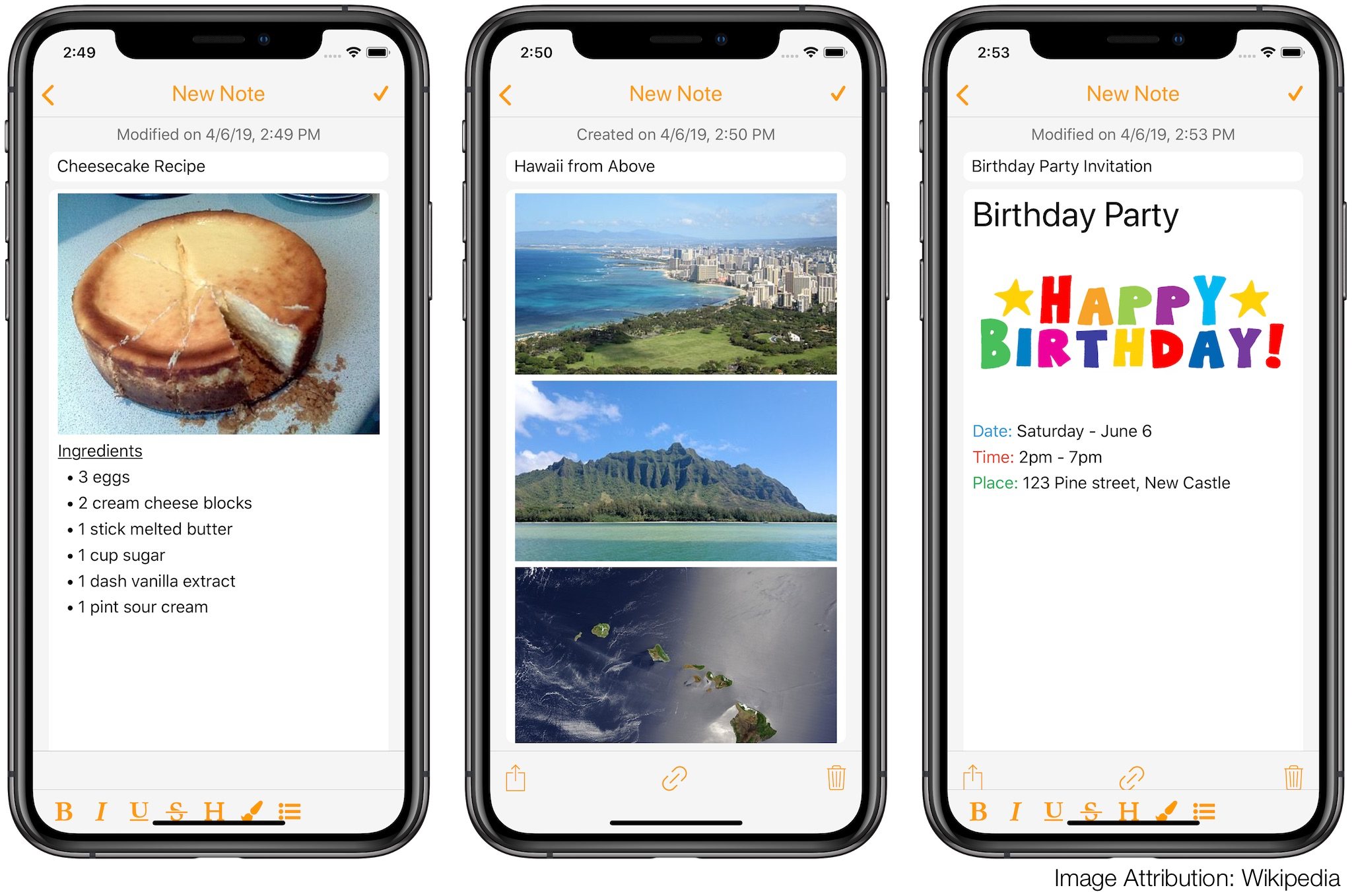
You will be able to add images to your existing text notes and add text to new image notes. Images can be loaded from your local device (camera, photo library, etc.), copied from a webpage or dragged in from another app. More details on this feature will follow. ?