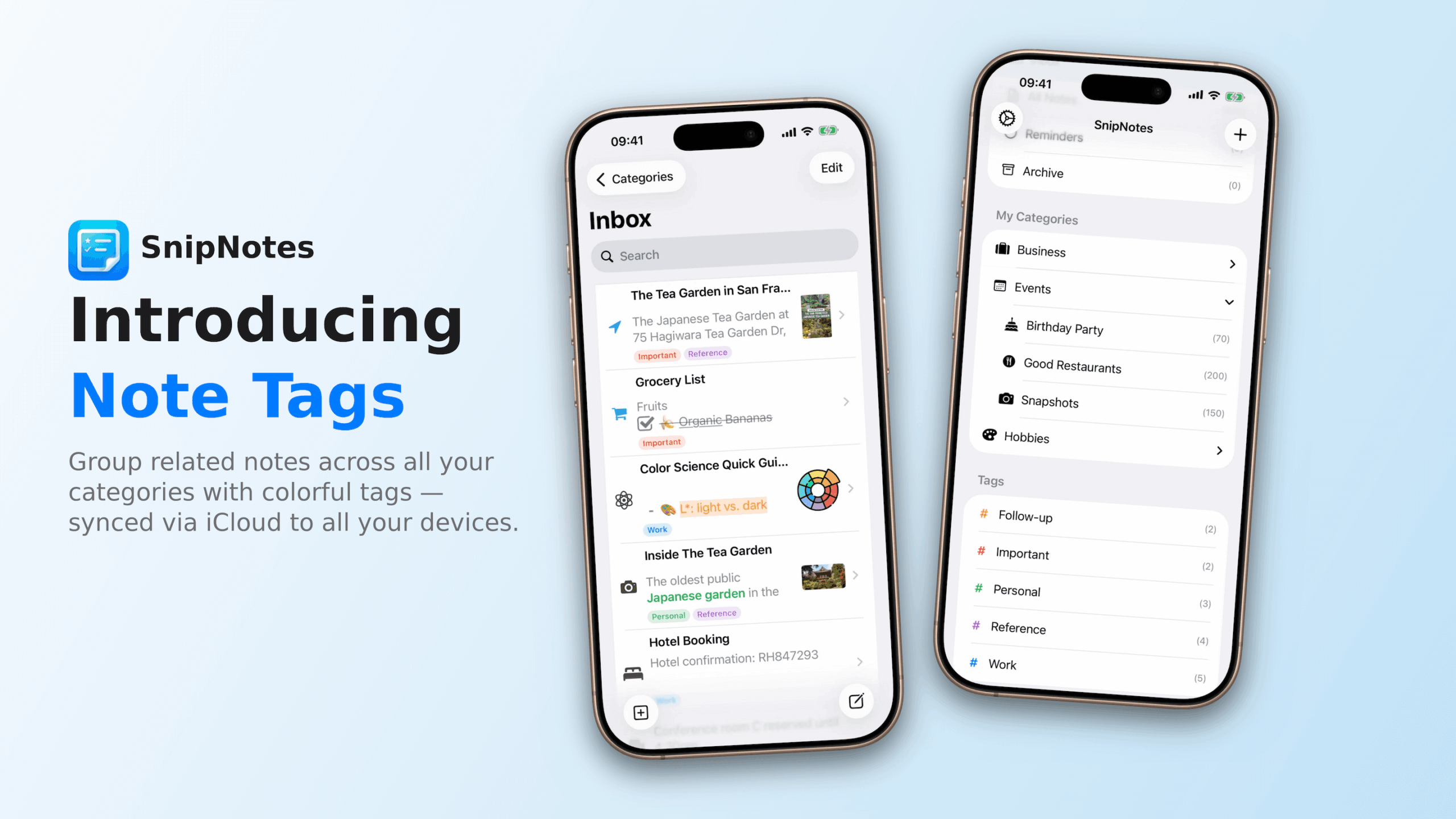
I’m excited to introduce a feature that many of you have been asking for: Note Tags. Available now in SnipNotes 6.2, tags offer a new, flexible way to organize your notes alongside the categories you already know and use.
I’m excited to introduce SnipNotes 6, a major new update that brings some of the most frequently requested features to enhance your note-taking experience. This update introduces file attachments, drawing capabilities, and enhanced formatting options, making your notes more comprehensive and expressive than ever before.
I’m happy to introduce a major new update for SnipNotes. Besides some of the most frequently requested features like subcategories and iCloud synchronization for Apple Watch, this version also includes a few changes for new and existing customers, which I would like to talk about first:
New users can now unlock SnipNotes with a single in-app purchase for iOS and Mac. Both apps are available as a free download on the App Store.
Subcategories require a one-time upgrade for existing customers within the app. This purchase unlocks the feature for both iOS and macOS. If you have purchased SnipNotes Plus after January 1, 2023, you will automatically gain access to subcategories. All other new features are available free of charge for existing customers.
To enable shared purchases for iOS and macOS, I had to release a new app on the Mac App Store. Instructions on how to migrate to the new version can be found here. Your notes and purchases will be automatically transferred to the new app.
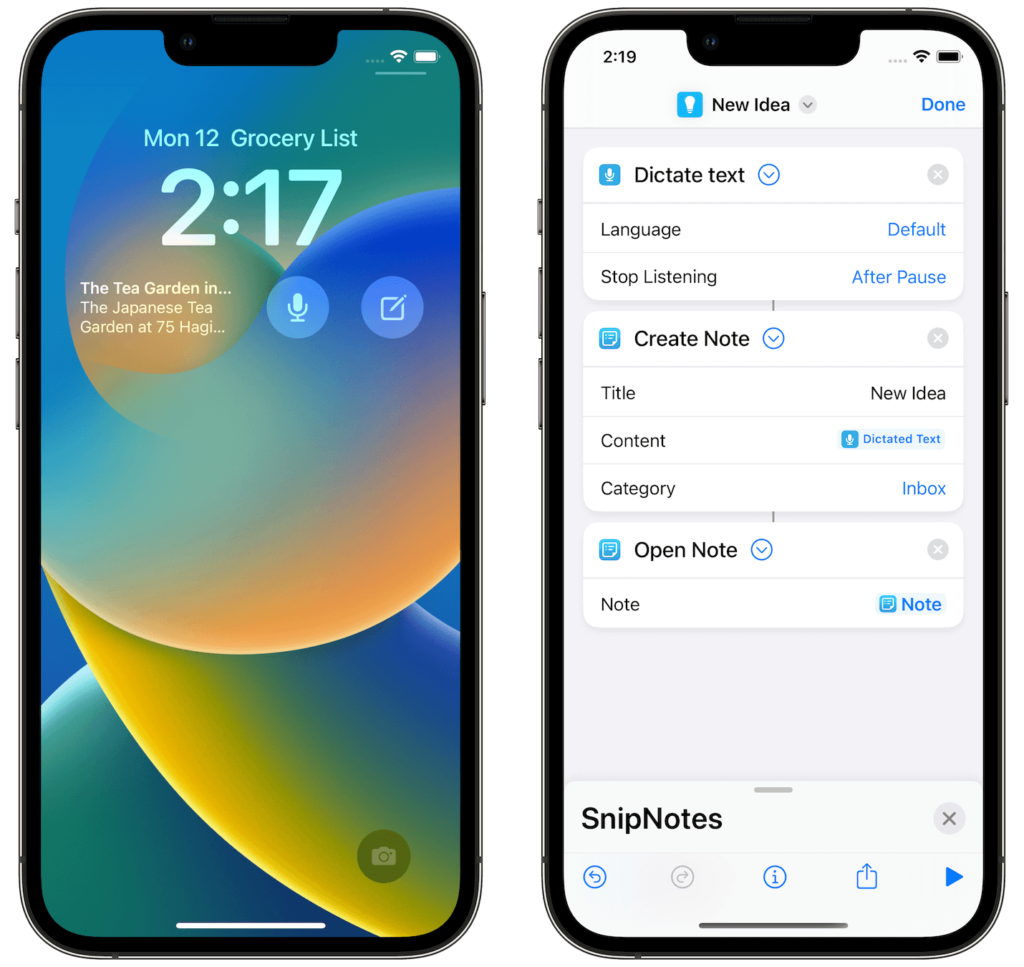
Apple has just released iOS 16, the next version of the iPhone operating system. I’m happy to announce that SnipNotes supports many of iOS 16’s new features right on day one. Here is an overview of what’s new in SnipNotes for iOS 16:
Over the past few months, SnipNotes has received a lot of updates with bug fixes, minor improvements, and a few new features. Since it is very easy to lose track of all the new additions, I want to give you a quick overview.
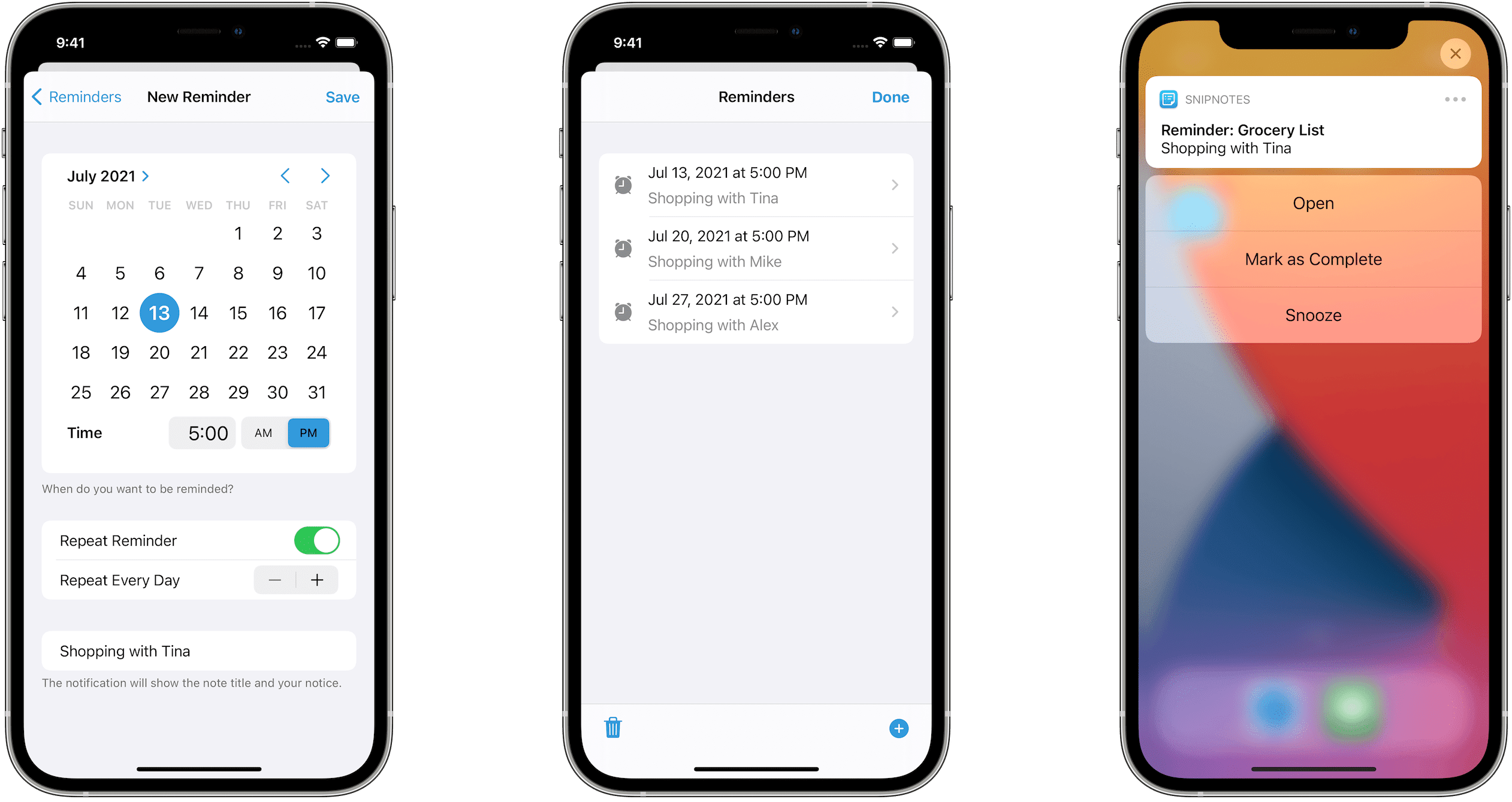
SnipNotes 4.2 has been released on the App Store today. This update adds one of the most frequently requested features: You can now create reminders for your notes!
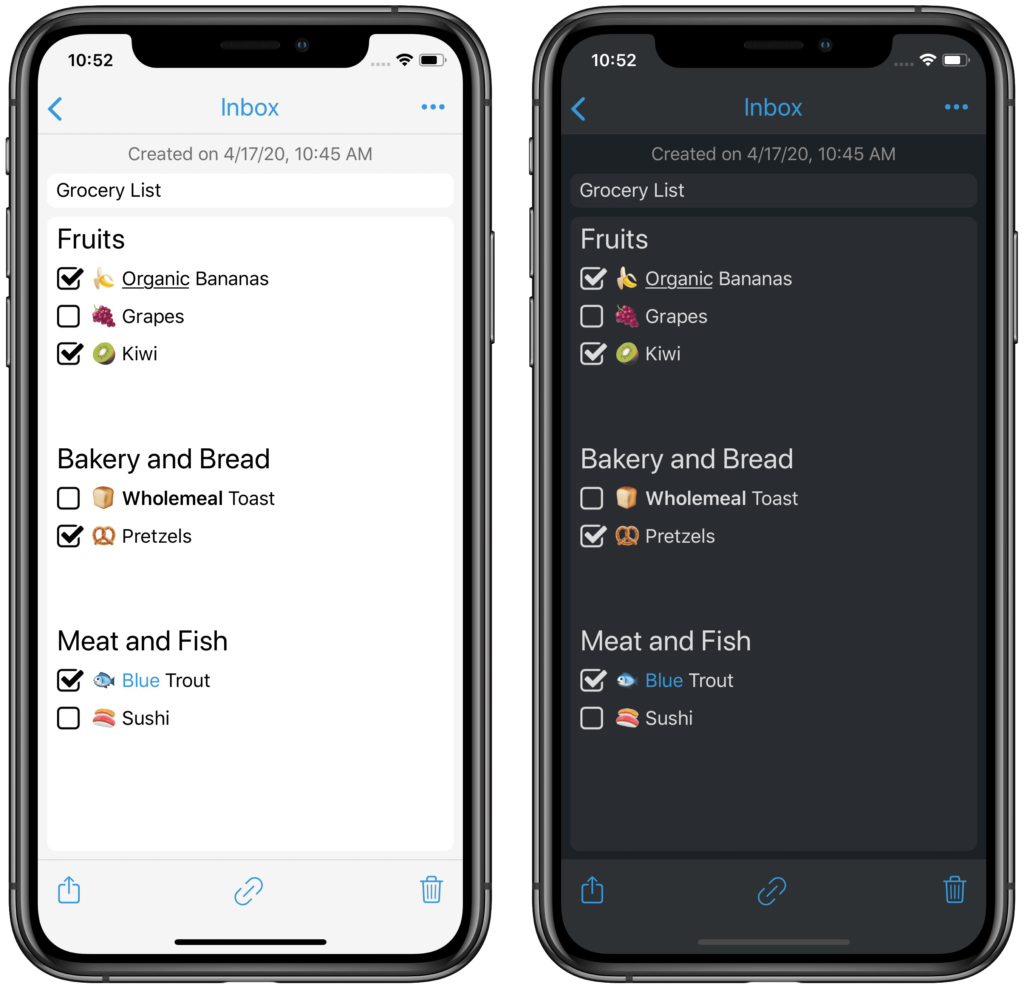
One of the most frequently requested features in SnipNotes is the creation of checklists, e.g. for shopping. I am happy to release this feature today as a free update.
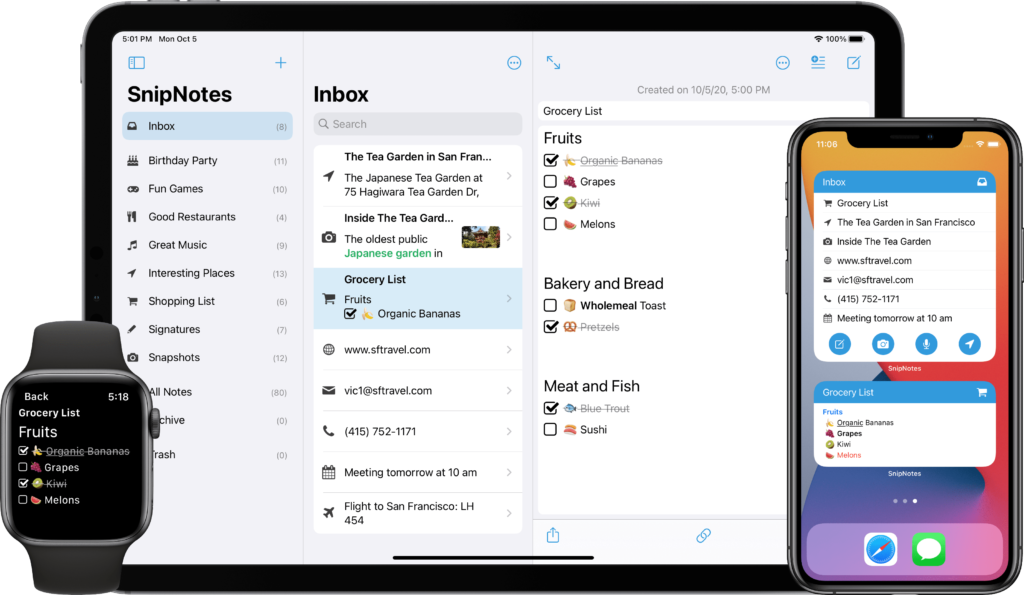
SnipNotes combines a clipboard manager with a note-taking app. Today, a new update for iOS and macOS has been released, which brings some big improvements for the first aspect: Better management of the clipboard.